Diwali diya prompt for a cinematic glow portrait — this free AI photo editing prompt wraps your photo in the warm light of a hundred diyas. It keeps your face and expression perfectly natural while rebuilding the scene with flickering oil lamps, soft shadows and a dreamy festive bokeh. The result looks like a frame from a Diwali film still: intimate, glowing and deeply atmospheric. Works in ChatGPT, Gemini and Grok — copy the prompt, upload your selfie, and get a cinematic festival portrait in seconds, free forever with no signup.
The magic of this diwali diya prompt lies in its lighting direction: it specifically asks for warm point-light from real diyas rather than flat digital glow, so the light falls naturally across cheekbones and eyes. The prompt also preserves skin texture instead of over-smoothing, which keeps the portrait believable and premium. Because it describes exact flame placement and natural falloff, the AI avoids the artificial halo effect common in cheap glow filters, delivering gallery-quality warmth instead. It also adapts beautifully to couple and family shots, since the lighting logic scales naturally to multiple faces. The moody vertical framing is perfect for Instagram reels covers, festive stories and candle-lit profile pictures.
Diya Glow Cinematic – Festival Portrait Prompt
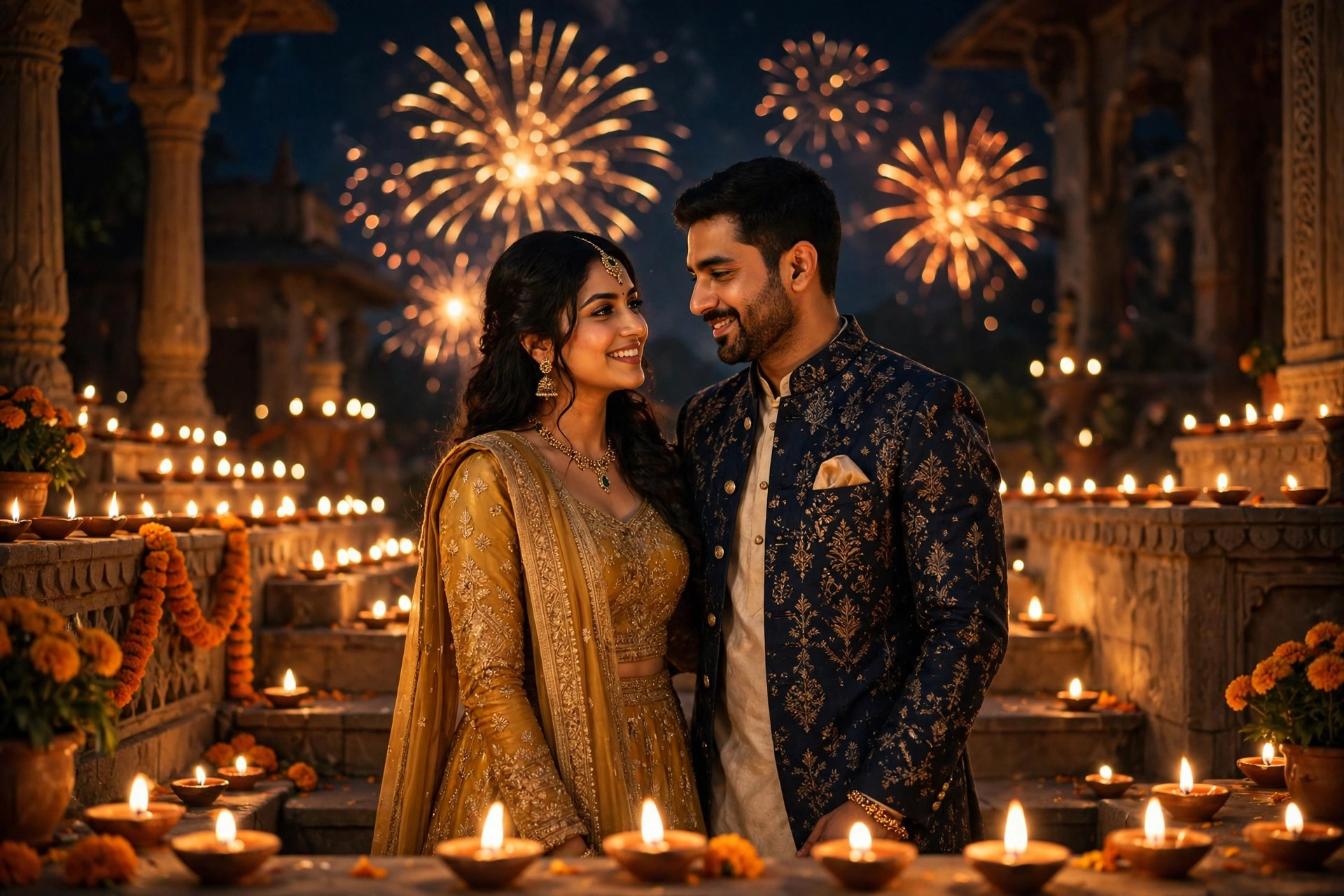
Transform this photo into a cinematic Diwali diya glow portrait. Surround the person with dozens of glowing clay diyas at varying distances, their warm flames creating soft flickering light across the face. Keep the exact face, facial features, skin tone, skin texture and expression 100% natural and unchanged. Set the scene in a dark festive room where diyas are the main light source, with marigold petals and faint fairy lights in the deep background. Use dramatic chiaroscuro lighting, warm golden highlights, gentle shadows, shallow depth of field with creamy bokeh, shot on 50mm lens at wide aperture, photorealistic, 4k quality, moody vertical portrait composition.
📷 Photography Tip: Diya glow edits shine when the source photo is taken in soft, dim light rather than harsh daylight — the AI blends the warm lamp light more convincingly. A close-up portrait with a calm expression works best; the flickering highlights will sculpt your features beautifully.
How to use this diwali diya prompt
- Copy the prompt – Hit the green “Copy Prompt” button above; the full text is copied instantly with a confirmation toast.
- Pick your AI tool – Tap ChatGPT, Gemini or Grok to open the app with this prompt pre-filled through the smart ?q= deep link.
- Upload your photo – Attach a clear portrait in the chat window, then send the prompt.
- Download and share – Save your cinematic diya glow portrait — no watermark, no signup, completely free forever.
FAQs about this diwali diya prompt
Is this diwali diya prompt really free?
Yes — every prompt on The Prompts Hub is 100% free forever. There is no signup, no login and no hidden paywall.
Will the diya light look natural on my face?
The prompt directs the AI to use realistic point-light physics from actual diyas, so highlights and shadows fall naturally. Starting from a softly lit photo gives the most believable blend.
Which AI gives the most cinematic result?
All three — ChatGPT, Gemini and Grok — render this prompt beautifully. Try the one-click launch buttons and pick your favourite output.