A great headshot opens doors. Whether it is for LinkedIn, a portfolio, or a professional profile, studio-quality lighting makes you look confident, capable, and polished. This portrait studio light prompt gives any photo that professional studio finish, free.
Studio lighting is the secret behind every striking headshot. Soft key light sculpts your features, gentle fill lifts shadows, and a subtle rim light separates you from the background. With this portrait studio light prompt, the AI recreates that three-point lighting setup around your photo.
The result is clean and powerful: even, flattering illumination on your face, a smooth neutral or softly blurred studio backdrop, crisp details, and a confident professional atmosphere. You look like you just stepped out of a photographer’s studio.
What makes studio headshots so valuable is their versatility. One great headshot works everywhere — LinkedIn, resumes, company websites, speaker bios, social profiles. It is the single image that represents you professionally, so it deserves to look its best.
It also builds trust. People form impressions in seconds, and a polished headshot signals competence and attention to detail. In a competitive job market or freelance world, that edge matters.
Ready for your close-up? Copy the portrait studio light prompt below, paste it into ChatGPT, Gemini, or Grok with your photo, and get the studio look without the studio. Free forever, no signup.
Portrait Studio Light – Professional Headshot Prompt
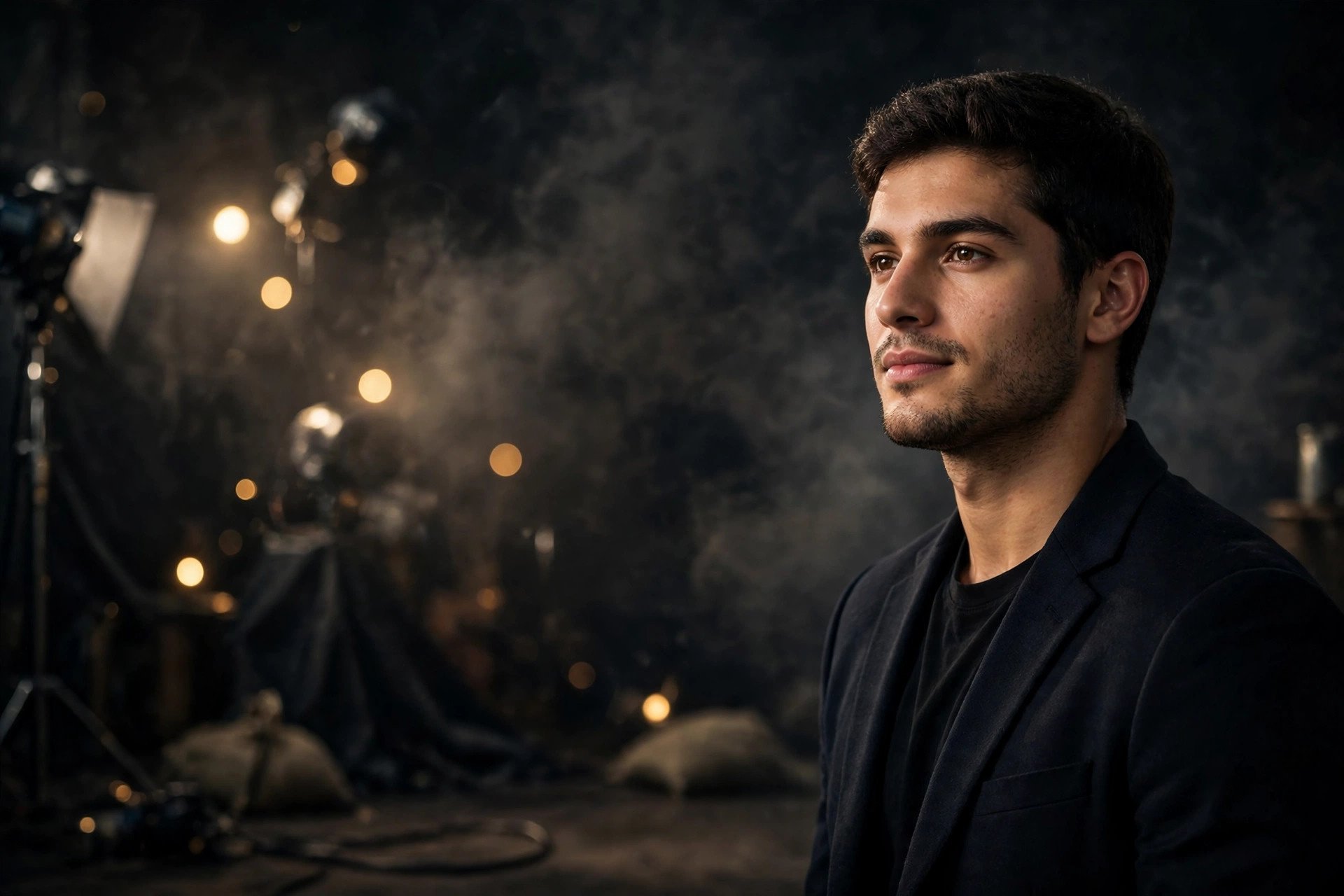
Transform this photo into a professional studio headshot with perfect studio lighting. Keep the person's face, features, skin tone, and expression exactly the same, sharp and natural. Apply classic three-point studio lighting — soft key light sculpting the face, gentle fill light lifting shadows, subtle rim light separating the subject from the background. Clean neutral studio backdrop, softly blurred, professional and polished atmosphere. Confident, approachable expression, crisp details, ultra-detailed, 8k quality. Make it look like a real professional headshot from a photography studio.
📷 Photography Tip: Studio headshots look best when your source photo is front-facing with even lighting — avoid strong side shadows that the AI must correct. A subtle, confident smile works for most professional contexts; a neutral expression suits formal industries. Wear solid colors (navy, charcoal, white) that keep focus on your face. If your photo has a busy background, the AI will replace it with a clean studio backdrop. For LinkedIn, ask for “slightly warmer tones” to look approachable.
How to use this portrait studio light prompt
- Copy the prompt – Click the “Copy Prompt” button above. You’ll see a green “Copied!” confirmation.
- Pick your AI tool – Open ChatGPT, Gemini, or Grok. All three handle image editing prompts well.
- Upload your photo – Attach a clear front-facing photo, then paste the copied prompt. Add “grey backdrop” or “white backdrop” to choose your background.
- Download and share – Save your headshot and update your profiles. One photo, endless professional use.
FAQs about this portrait studio light prompt
Will it look like a real studio photo?
Yes. The three-point lighting setup mimics professional studio work — soft, flattering, and polished.
Is this suitable for LinkedIn?
Absolutely. The clean, professional style is ideal for LinkedIn, resumes, and corporate profiles.
Will my face stay natural?
Completely. Your features, skin tone, and expression are preserved exactly. Only the lighting and backdrop are enhanced.
Is it free with no signup?
Yes. Free prompt, free AI tool tiers, no signup, no watermarks.
2 thoughts on “Portrait Studio Light Prompt – Professional Headshot (2026)”