Christmas lights bokeh prompt magic is all about glow. Those dreamy, out-of-focus circles of golden light you see in professional holiday photos — that is bokeh — and this free AI prompt paints your portrait with it, turning an ordinary photo into a sparkling Christmas masterpiece.
Bokeh portraits are the signature look of holiday photography. The soft orbs of light floating behind you create depth, warmth, and a sense of wonder that flat lighting simply cannot match. With this christmas lights bokeh prompt, you get that professional bokeh effect without an expensive camera, a fast lens, or a single string of real fairy lights.
Here is how it works: the AI keeps your face sharp, natural, and perfectly lit while transforming the background into layers of glowing bokeh — warm golds, soft reds, icy whites — like Christmas lights photographed through a dreamy lens. The result has the rich, cinematic quality of a photo taken by a seasoned portrait photographer.
What makes bokeh so captivating is the way it isolates you from the background. Your eyes stay tack-sharp while everything behind melts into luminous color. This christmas lights bokeh prompt is engineered to nail that balance: crisp subject, creamy glowing background, and just the right amount of sparkle so the image feels magical but never fake.
It is perfect for profile pictures, holiday cards, and social media posts that need to stand out in a crowded December feed. A bokeh portrait catches the eye instantly — the glow practically radiates off the screen. Friends will ask which photographer you hired, and you can smile knowing it took you sixty seconds and cost nothing.
Ready to glow? Copy the christmas lights bokeh prompt below, paste it into ChatGPT, Gemini, or Grok along with your photo, and watch your portrait light up. Free forever, no signup, no watermarks — just pure holiday sparkle.
Christmas Lights Bokeh – Sparkling Portrait Prompt
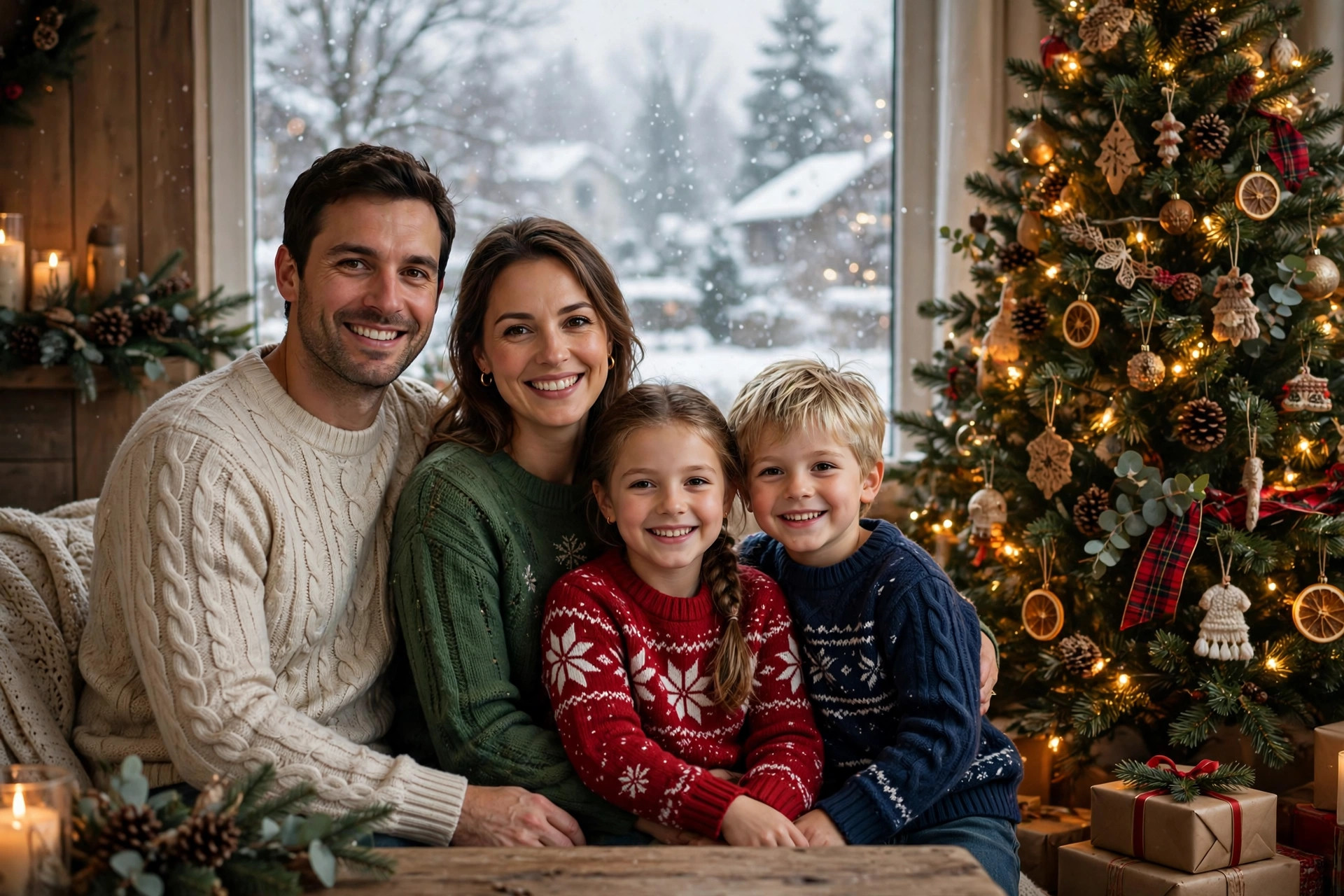
Transform this photo into a stunning Christmas lights bokeh portrait. Keep the person's face, features, skin tone, and expression exactly the same, sharp and natural. Create a magical background of glowing Christmas light bokeh — soft out-of-focus orbs in warm gold, amber, red, and white tones layered at different depths. Add subtle sparkle and a gentle holiday glow around the person. Warm cinematic lighting on the face, shallow depth of field effect, professional portrait photography style, ultra-detailed, 8k quality. The bokeh should look like real fairy lights photographed with a fast prime lens, dreamy and luminous, not artificial.
📷 Photography Tip: Bokeh looks most convincing when your source photo has some separation between you and the background. A photo taken a few feet away from a wall works better than one shot flat against it. Soft, even lighting on your face is ideal — the AI will add the dramatic glow itself. Avoid harsh flash photos; the flat white light fights the warm cinematic mood the prompt creates. If you can, use a photo taken during golden hour or near a window — the natural warmth blends seamlessly with the generated bokeh orbs.
How to use this christmas lights bokeh prompt
- Copy the prompt – Click the “Copy Prompt” button above. You’ll see a green “Copied!” confirmation.
- Pick your AI tool – Open ChatGPT, Gemini, or Grok. All three handle image editing prompts well.
- Upload your photo – Attach a clear portrait, then paste the copied prompt. Try adding “make the bokeh extra dreamy” for a stronger effect.
- Download and share – Save your sparkling bokeh portrait and light up your holiday feed. Perfect for cards and profile pictures.
FAQs about this christmas lights bokeh prompt
What exactly is bokeh?
Bokeh is the aesthetic blur in out-of-focus areas of a photo — those soft circles of light. This prompt recreates that professional camera effect using AI, no special lens required.
Will the bokeh look realistic?
Yes. The prompt describes layered orbs at different depths with natural color variation, which is how real bokeh behaves. The result looks like it was shot on a fast prime lens.
Can I change the bokeh colors?
Absolutely. Add a note like “use blue and silver bokeh” or “warm gold bokeh only” when you paste the prompt, and the AI will follow your palette.
Does it work on group photos?
Yes. The AI keeps everyone sharp while turning the background into glowing bokeh. Make sure all faces are clearly visible in the source photo.