Digital photos are perfect — and that is exactly the problem. They can feel sterile, flat, forgettable. A retro film look prompt brings back everything digital erased: the grain, the warmth, the happy accidents of analog photography. One paste, one upload, and your crisp phone photo looks like it was shot on beloved 35mm film in 1994.
Our team built this retro film look prompt by obsessing over real film scans — the soft halation around highlights, the gentle color shifts, the grain structure that digital noise wishes it had. Feed it any portrait with ChatGPT, Gemini or Grok, and the AI rebuilds your photo with authentic analog soul while keeping your face unmistakably yours.
Film aesthetics hit different because they feel honest. Grain hides blemishes better than any beauty filter, warm tones make skin glow, and that slight softness reads as nostalgia — an emotion no clarity slider can fake. It is why vintage-styled portraits consistently outperform hyper-sharp ones for saves and shares.
Start with a photo that has some light to work with. Daylight portraits, window-lit selfies, even flash photos from a night out — all of them take the film treatment beautifully. The AI adds the grain and color; you just need a reasonably clear face. Avoid extremely dark shots, where grain can turn to mush.
Steer the decade with a few extra words. Craving the 70s? Add ‘faded warm tones, light leaks’. Want 90s disposable-camera energy? Add ‘harsh flash, heavy grain, timestamp’. The version below nails the timeless 35mm look — warm, textured and effortlessly cool.
Here is the retro film look prompt we reach for whenever a photo feels too perfect. Copy it with one tap, paste it into your favorite AI photo editor with your picture, and welcome to the analog age. Free forever, no signup, no watermark.
Retro Film – Vintage Vibes Photo Prompt
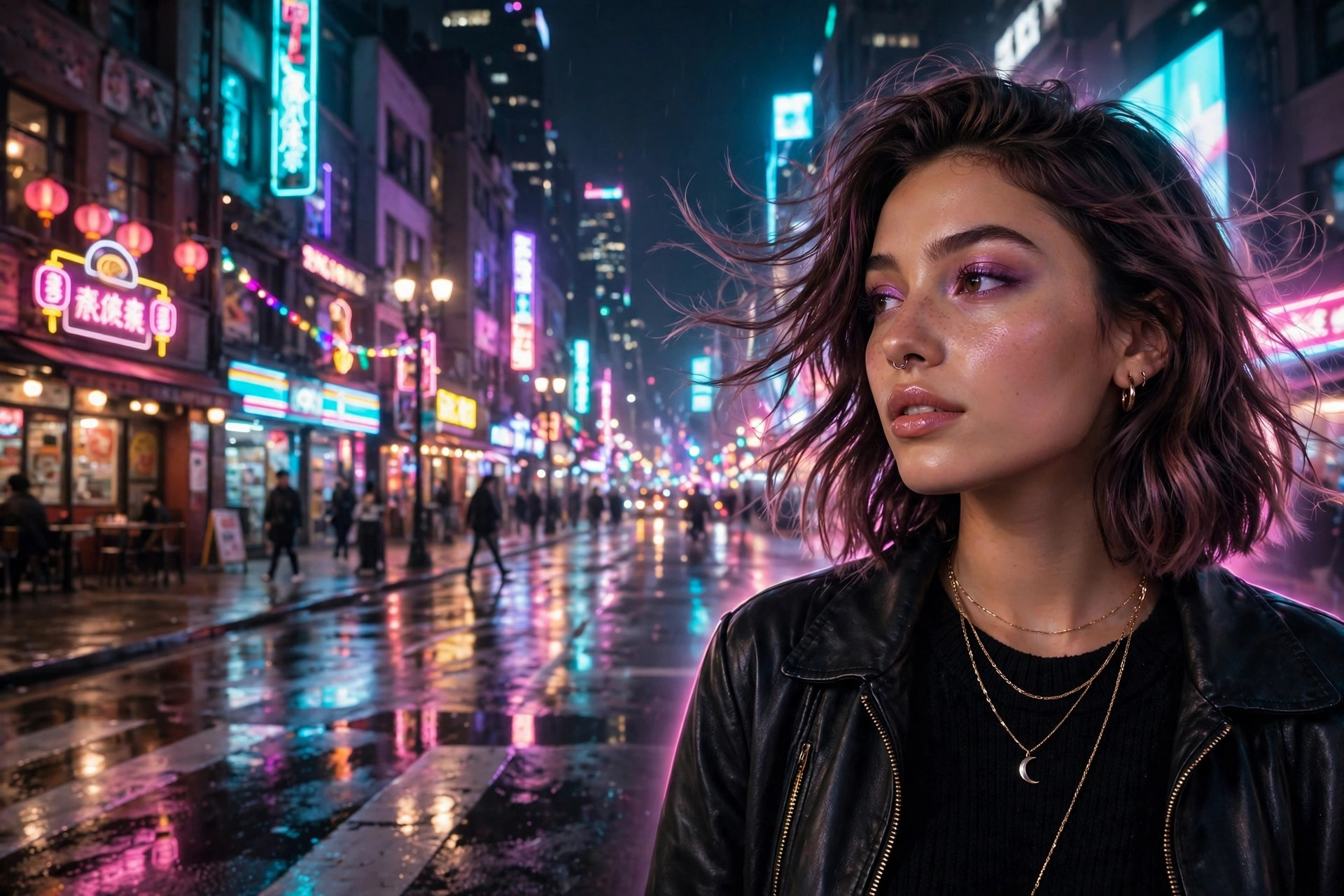
Transform this photo into an authentic retro film photograph. Keep the exact face, facial features, skin tone and expression — the person must stay instantly recognizable. Rebuild the image with a genuine 35mm analog finish: visible film grain, warm color cast, soft halation around highlights, gentle contrast and slightly faded blacks. Add the character of a beloved film stock — a subtle light leak in one corner, natural skin texture, nothing over-smoothed. Style it like a cherished print from the nineties — candid, warm, textured, photorealistic, 4k quality. Mood: nostalgic, honest, effortlessly cool.
📷 Photography Tip: Slightly overexposed daylight photos make the best base — film loves light, and this retro film look prompt renders its creamiest grain on well-lit skin.
How to use this retro film look prompt
- Copy the prompt above with one tap on 📋 Copy Prompt — the ‘Copied!’ toast confirms it is on your clipboard.
- Open your favorite AI photo editor — paste it into ChatGPT, Gemini or Grok, then upload the photo you want to transform.
- Dial the era — ask for ‘more grain’ or ‘a stronger light leak’ to push the vintage feel further.
- Save and share your throwback — download the full-resolution print-style result and post it.
FAQs about this retro film look prompt
Will it look like real film or just a filter?
Real film. The prompt rebuilds grain structure, halation and color response the way analog stock behaves — not a flat overlay. Next to real scans, most people cannot tell the difference.
Does it work in black and white?
Yes. The default is warm color film; just add ‘black and white film, silver grain’ for a classic monochrome version.
Which tool handles grain best with this retro film look prompt?
ChatGPT renders the richest grain, Gemini keeps faces the most natural underneath it, and Grok is fastest when you want to try different eras.
Is this retro film look prompt really free?
Completely. This retro film look prompt is free forever — no signup, no watermark, no catch.