Diwali lights prompt for a sparkling night bokeh portrait — this free AI photo editing prompt turns your photo into a festive night scene wrapped in glowing string lights. It keeps your face, expression and outfit completely natural while rebuilding the background with warm fairy lights, soft bokeh orbs and a dreamy Diwali night atmosphere.
Perfect for profile pictures and Instagram posts that capture the sparkle of the festival of lights. Works in ChatGPT, Gemini and Grok — copy the prompt, upload your photo, and get a magical lights-filled portrait in seconds, free forever with no signup.
The strength of this diwali lights prompt is its layered background: it asks for multiple depths of fairy lights — some sharp, some softly blurred — which creates that professional bokeh photographers achieve with expensive lenses. The prompt preserves your natural skin texture and facial features, avoiding the plastic over-edited look.
Warm golden tones dominate, flattering every skin tone and outfit colour. Because the light sources sit behind you, your face stays clearly lit and sharp while the background melts into glowing orbs. The prompt also handles tricky mixed lighting gracefully, balancing cool night ambient with warm foreground glow so skin tones stay true. Even low-light selfies gain a clean, professional finish. It works beautifully for solo portraits, couple shots and family photos alike, scaling the light arrangement naturally.
Festival Lights Bokeh – Night Portrait Prompt
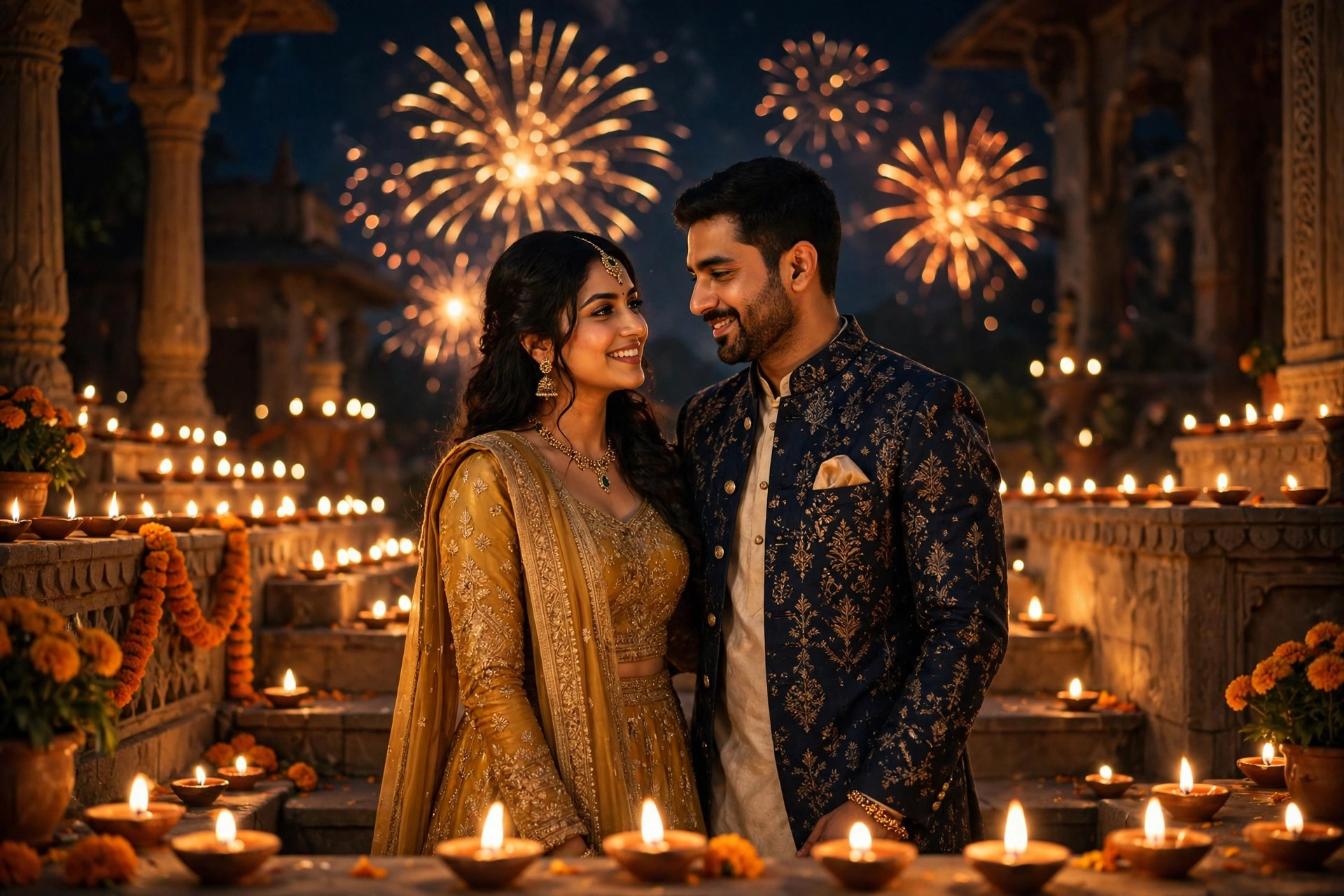
Transform this photo into a Diwali festival lights night portrait with dreamy bokeh. Place the person against a dark night background filled with warm golden fairy lights and string lights at multiple depths, creating soft glowing bokeh orbs. Keep the exact face, facial features, skin tone, skin texture, expression and outfit 100% natural and unchanged. Add subtle diya glows and marigold accents at the edges of the frame. Use shallow depth of field, creamy bokeh, warm colour grading, sharp focus on the eyes, photorealistic, 4k quality, vertical portrait composition perfect for social media.
📷 Photography Tip: Bokeh edits look most convincing when your original photo has a simple, uncluttered background — the AI replaces it cleanly with lights. A head-and-shoulders portrait with you facing the camera gives the fairy lights maximum frame to sparkle around you.
How to use this diwali lights prompt
- Copy the prompt – Hit the green "Copy Prompt" button above; the full text is copied instantly with a confirmation toast.
- Pick your AI tool – Tap ChatGPT, Gemini or Grok to open the app with this prompt pre-filled through the smart ?q= deep link.
- Upload your photo – Attach a clear portrait in the chat window, then send the prompt.
- Download and share – Save your sparkling bokeh portrait — no watermark, no signup, completely free forever.
FAQs about this diwali lights prompt
Is this diwali lights prompt really free?
Yes — every prompt on The Prompts Hub is 100% free forever. There is no signup, no login and no hidden paywall.
Will the bokeh look realistic?
The prompt specifies multiple light depths and true optical bokeh, so the orbs have natural softness and glow falloff rather than flat digital circles.
Can I use it for couple photos?
Absolutely — the lighting arrangement scales naturally to two or more people, keeping every face sharp while the lights sparkle behind.